Composing word prediction
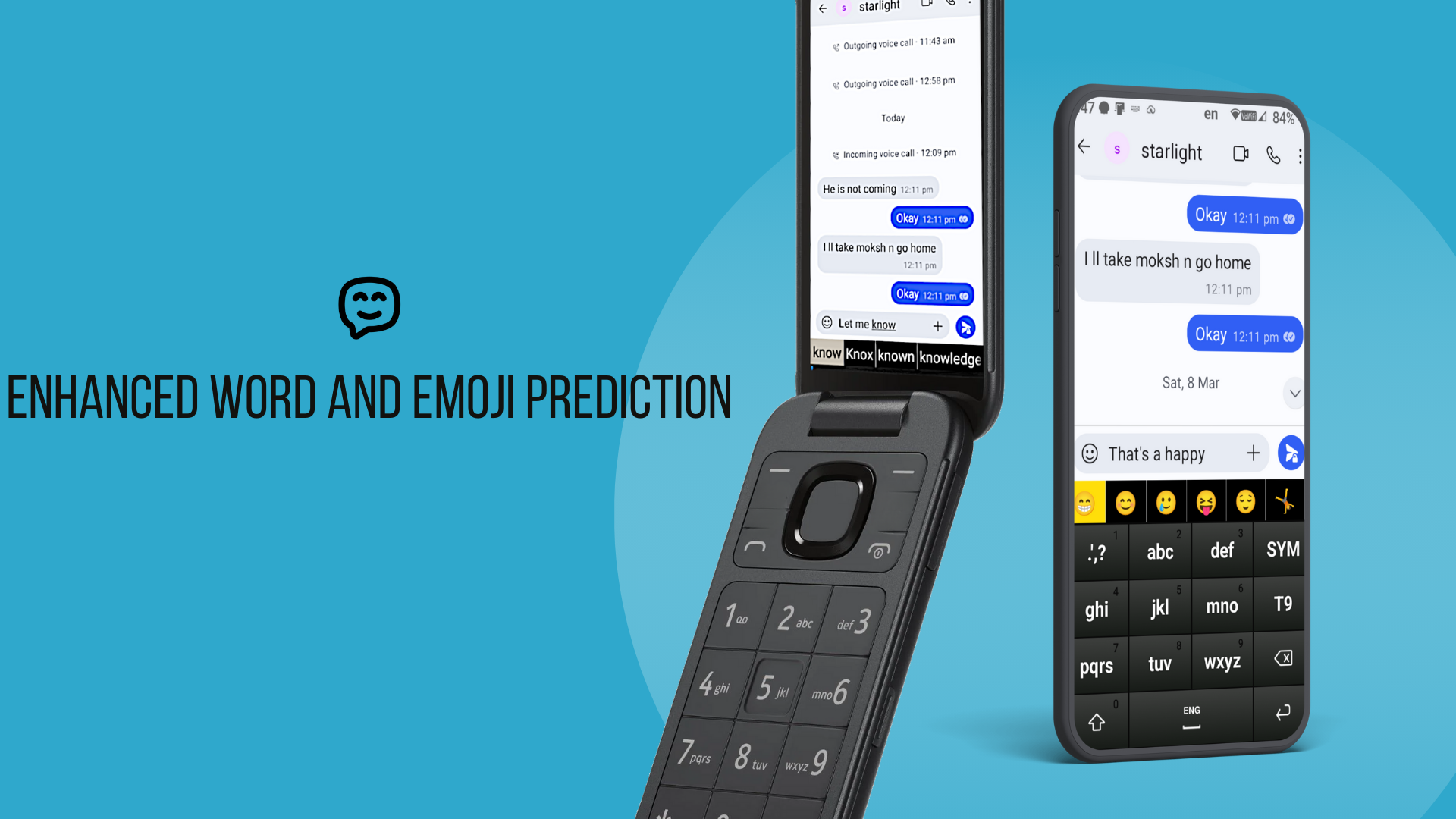
While you tap out a word, TyNi does more than match key combos. It looks at the words already in your sentence and narrows the guess. You get the right word sooner, with fewer presses on 2–9.

10,000+ Downloads 4.6 Rating 24 Languages
TyNi is the T9 keyboard for Android that makes typing genuinely easy — whether you text on a dumbphone's hardware keypad or you're replacing TouchPal, Samsung 3×4 keyboard, or Sony T9 after those apps stopped working. Layouts that match TouchPal and Samsung mean your finger muscle memory carries over, so switching feels effortless. Composing and next-word prediction do the rest — fewer key presses and the fast T9 flow you remember.
We built TyNi laser focused on one thing - make T9 typing effortless.
While you tap out a word, TyNi does more than match key combos. It looks at the words already in your sentence and narrows the guess. You get the right word sooner, with fewer presses on 2–9.
Finish a word and TyNi offers whole words for what comes next. One tap to accept. Same idea as Gboard's suggestion bar, but for a hardware T9 pad.
TyNi picks up the phrases and habits you actually use. Suggestions get less generic the more you type.
A T9 keyboard android users actually stick with.
Real reviews from Google Play.
Works on flip phones with a keypad and on regular touchscreens.
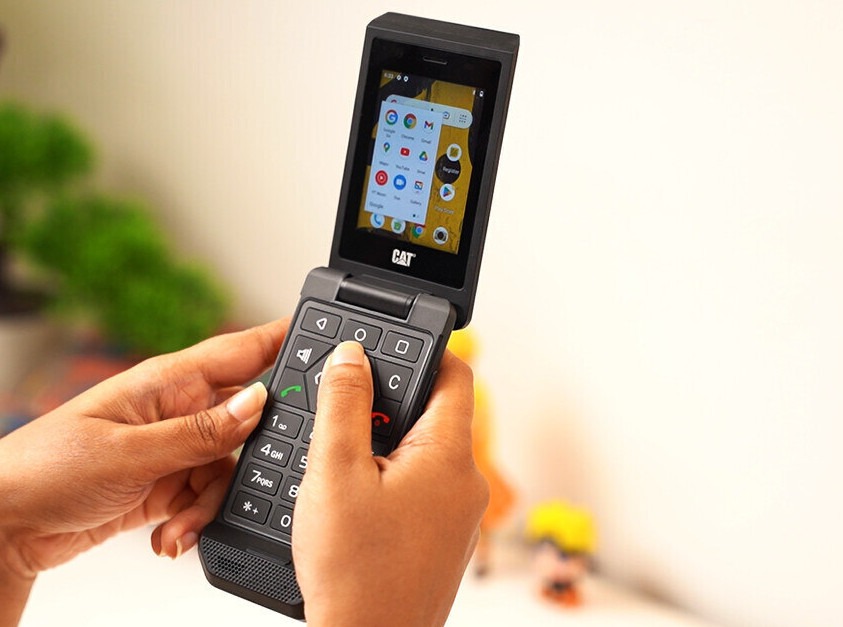
For phones with a hardware keypad. Prediction, remapping, and a keyboard that stays out of your way.
Miss TouchPal or Samsung 3×4? Similar familiar layouts, with great prediction on top.
Prediction is the main thing. These are the extras people ask for.
On-screen layouts based on TouchPal and Samsung 3×4. Keys are where your muscle memory expects them.
Missed a key? TyNi still tries to surface the word you meant.
Words you type get learned. Add names, slang, and contacts so prediction knows your vocabulary.
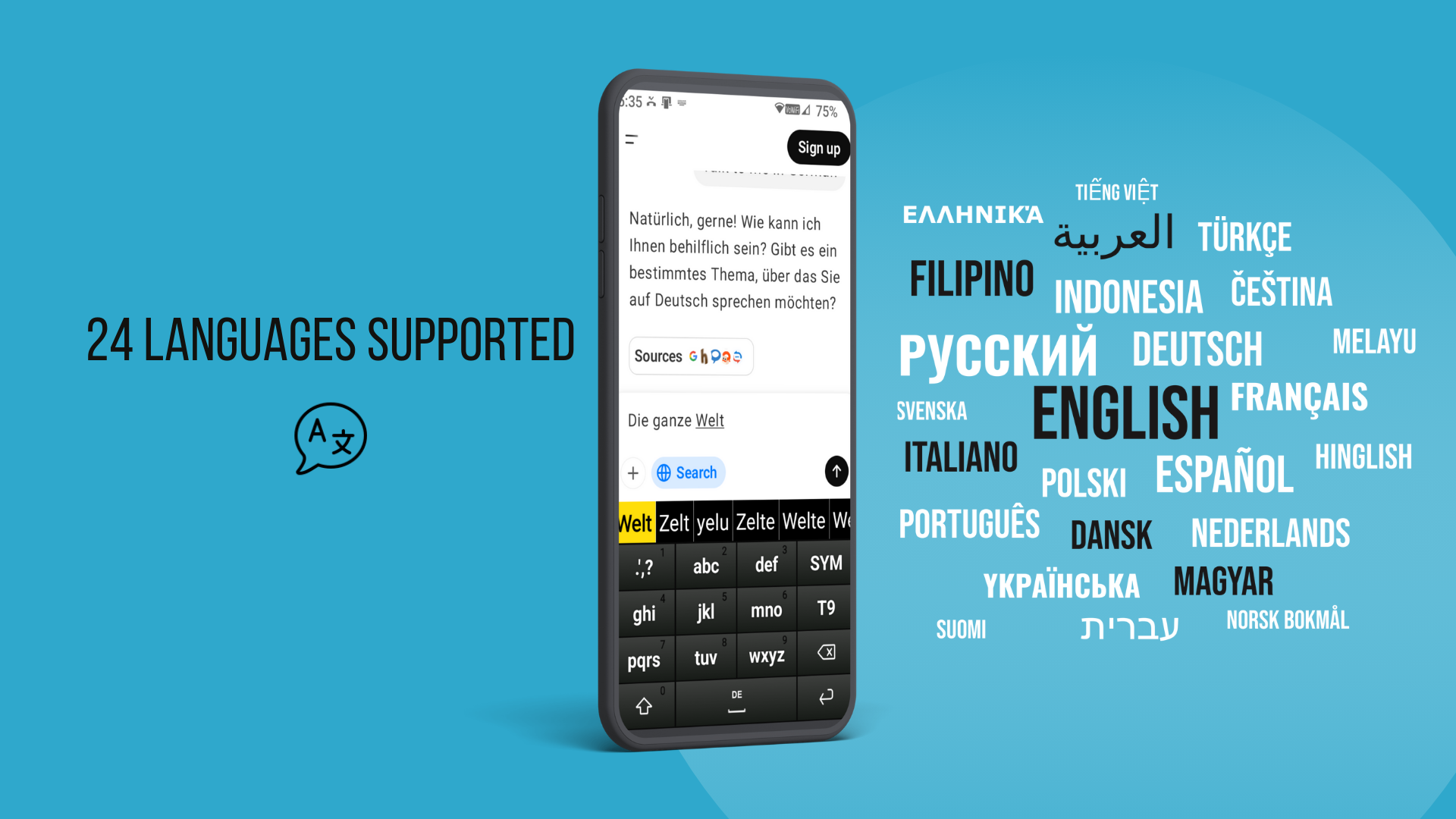
English, German, French, Spanish, Russian, Arabic, Hinglish, and more.
Emoji show up in the prediction bar while you type. No need to leave T9 mode.
Dictate a message hands-free. Premium voice input works in any app.
Save clips, pin the ones you use often, paste from the keyboard. Stop re-typing the same text.
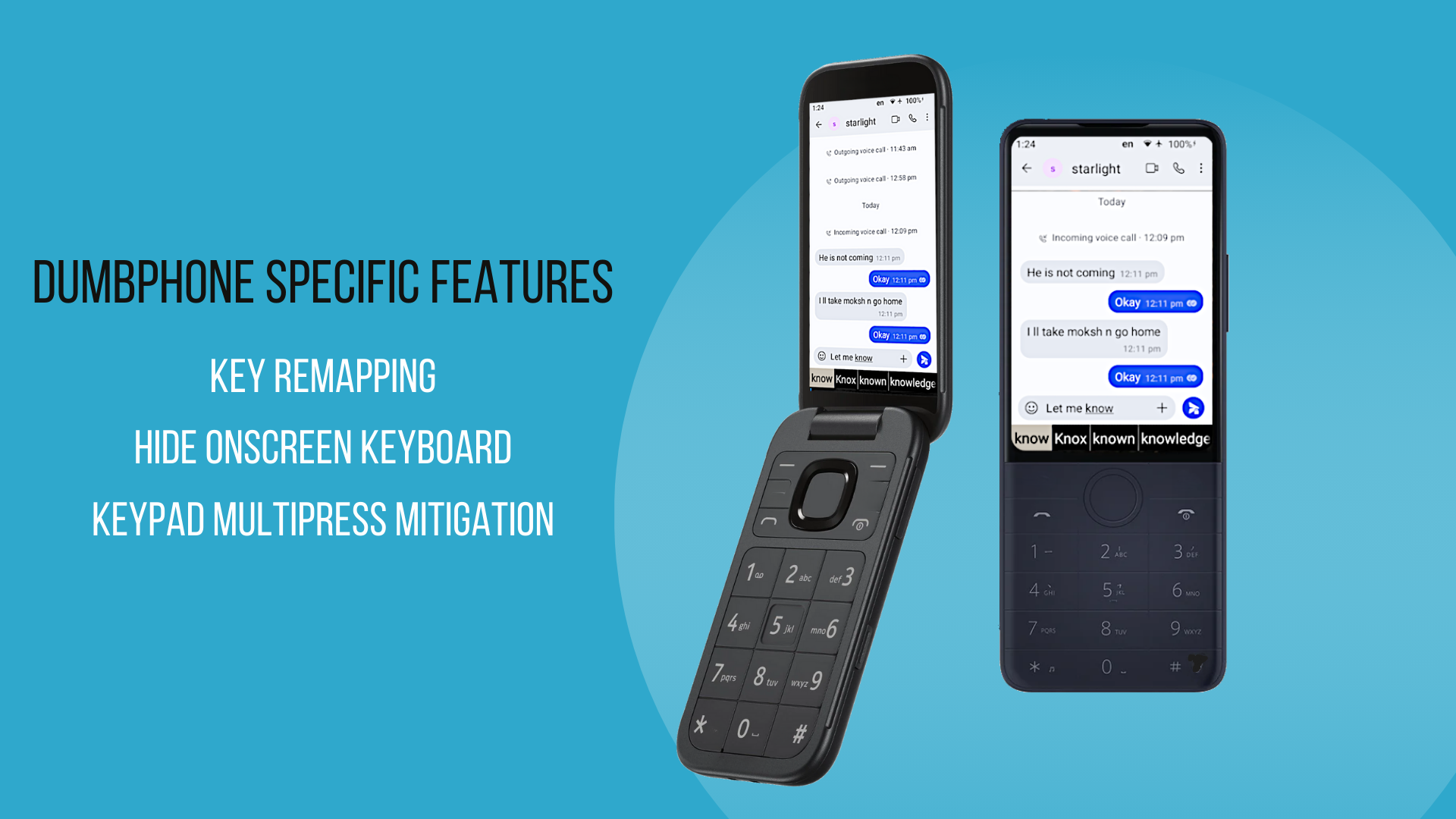
Keep only the suggestion bar on screen. Handy on a CAT S22 Flip or any phone with a physical 12-key pad.
Map extra hardware keys to Voice, Clipboard, or whatever you use most. Built for Qin F21/F22 Pro and CAT S22 Flip.
CAT S22 keypad sending 2 or 3 clicks on each press? Turn on the multi-press fix so keys register reliably, saving you from buying a new phone.
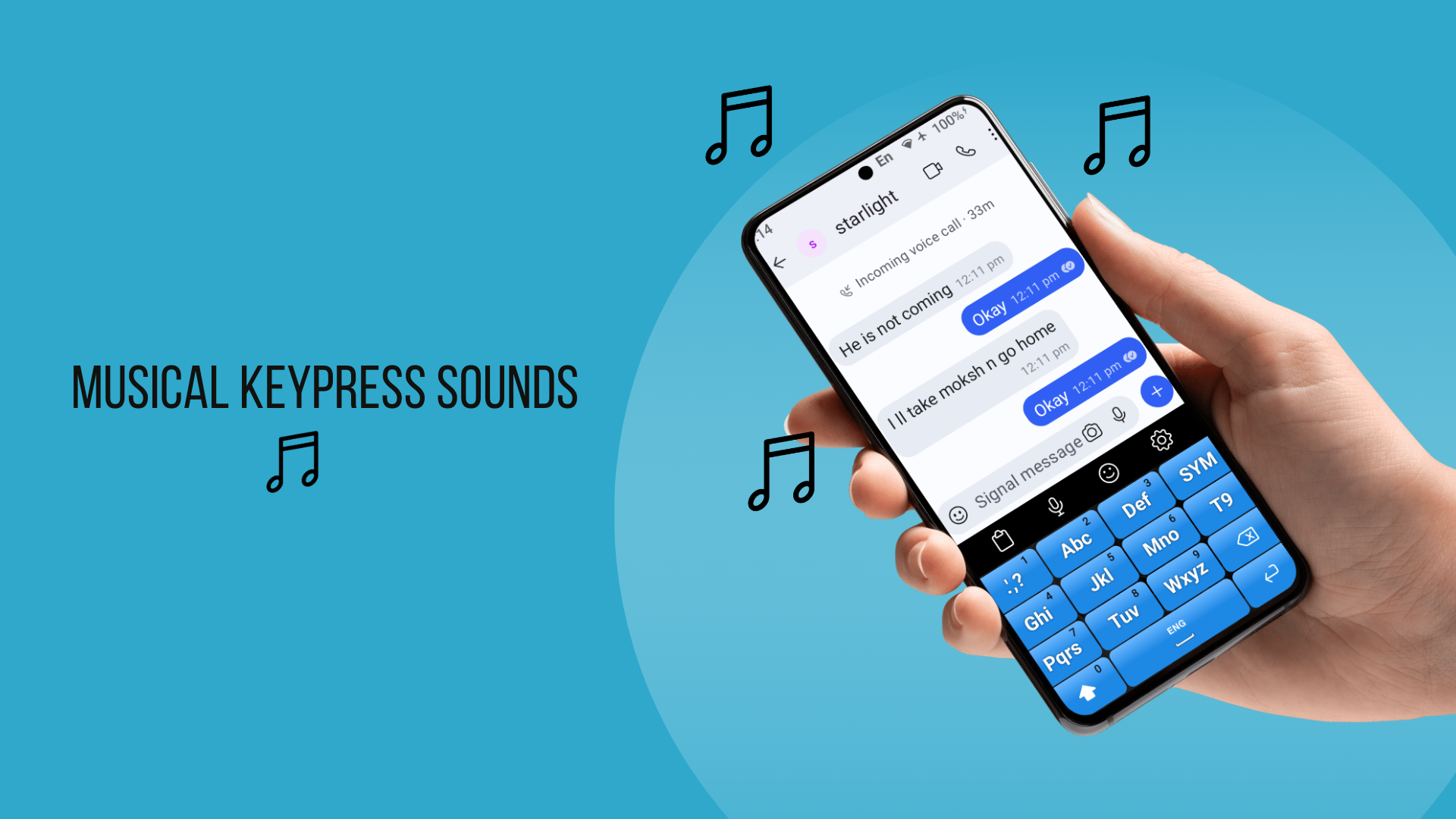
You have your normal click sounds and also custom made musical sounds, so that each key produces a different tone to make your typing musical.
You can create your own custom theme for the keyboard with backgrounds and colors you like.
On-screen layouts based on TouchPal and Samsung 3×4. Keys are where your muscle memory expects them.
Missed a key? TyNi still tries to surface the word you meant.
Words you type get learned. Add names, slang, and contacts so prediction knows your vocabulary.
Emoji show up in the prediction bar while you type. No need to leave T9 mode.
Dictate a message hands-free. Premium voice input works in any app.
Save clips, pin the ones you use often, paste from the keyboard. Stop re-typing the same text.
You have your normal click sounds and also custom made musical sounds, so that each key produces a different tone to make your typing musical.
English, German, French, Spanish, Russian, Arabic, Hinglish, and more.
Keep only the suggestion bar on screen. Handy on a CAT S22 Flip or any phone with a physical 12-key pad.
Map extra hardware keys to Voice, Clipboard, or whatever you use most. Built for Qin F21/F22 Pro and CAT S22 Flip.
CAT S22 keypad sending 2 or 3 clicks on each press? Turn on the multi-press fix so keys register reliably, saving you from buying a new phone.
You can create your own custom theme for the keyboard with backgrounds and colors you like.
Quick answers about TyNi on Android.
We think TyNi, but we're biased. It's a full T9 keyboard android app with word prediction, next-word suggestions, and support for hardware keypads on flip phones and bar phones. That combo is hard to find elsewhere.
Yes. It's a real android T9 keyboard input method, not a skin on your stock keyboard. Install it, turn it on in Android settings, and use T9 with prediction in Messages, WhatsApp, email, and everything else.
Yes. If you miss samsung T9 style texting on a Galaxy flip or Samsung phone, TyNi gives you a familiar 12-key layout plus prediction and themes.
Stock T9 is slow. TyNi adds prediction while you spell, next-word suggestions after each word, and a dictionary that learns your habits. Most people press far fewer keys than with basic T9 or multi-tap alone.
TyNi was built with dumbphones in mind. On the CAT S22 Flip you can hide the on-screen keyboard, fix flaky key presses, and remap extra keys. It's popular in the dumbphone crowd for a reason.
Yes. We've tested on Qin F21/F22 Pro phones. Key remapping lets you assign hardware keys to Voice, Clipboard, and other shortcuts.
Use the 1 key for an apostrophe. Type I'm as 4-1-6, and can't as 2-2-6-1-8.
Switch to AB multi-tap or swipe up for QWERTY, type the word, then press space. It saves automatically. You can also tap "+ Add to dictionary" in the suggestion bar.
Yes. Turn on "Hide onscreen keyboard" in Preferences. You'll see only the suggestion bar, which is what most flip-phone users want.
English, Russian, German, French, Italian, Ukrainian, Spanish, Turkish, Portuguese, Hungarian, Czech, Arabic, Filipino, Polish, Dutch, Danish, Indonesian, Finnish, Swedish, Hebrew, Vietnamese, Greek, Malay, Norwegian, and Hinglish. Long-press spacebar to switch.
Every new install gets 24 hours of premium free: voice input, emoji, clipboard, key remapping, all settings. After that it's a one-time purchase. No subscription.
T9 keyboard for Android with word prediction. Works on all Android phones as well as CAT S22 Flip, Qin F21/F22/F25 Pro, Alt Mive Style Folder and other android dumbphones.